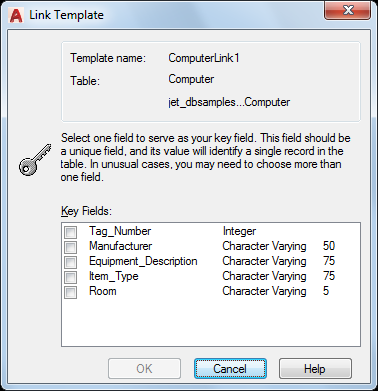
To Create a Link Template in the Current Drawing
Click
Tools
menu
Palettes
DbConnect
.
In the dbConnect Manager, right-click a data source file and choose New Link Template.
Enter a name for the link template and click Continue.
Select one or more key fields by clicking in their check boxes.
IMPORTANT:
Selecting a large number of key fields can adversly affect the performance of Link Select and other connectivity operations.
Click OK to create the link template.