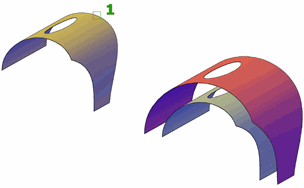
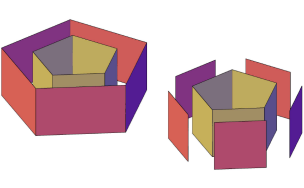
Creates a parallel surface a specified distance from the original surface.
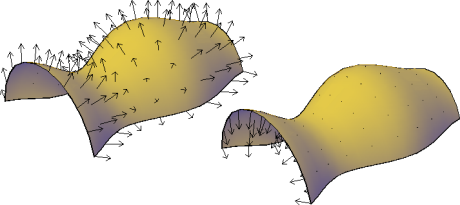
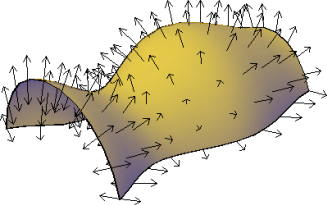
Reverse the direction of the offset with the Flip Direction option.
The following prompts display.
- Specify Offset Distance
Specifies the distance between the offset surface and the original surface.
- Flip Direction
Reverses the offset direction shown by the arrows.
- Both Sides
Offsets the surface in both directions (creates two new surfaces in instead of one).
- Solid
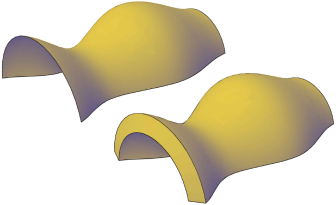
Creates a solid from the offset. This is similar to the THICKEN command.
- Connect
Connects multiple offset surfaces, if the original surfaces are connected.
- Expression
Enter a formula or equation to specify the distance of the surface offset. See Constrain a Design with Formulas and Equations.