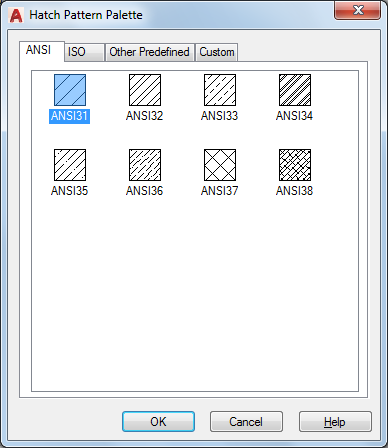
Organizes patterns on four tabs, with images arranged alphabetically on each tab. Click an image to select a pattern and click OK.
List of Options
The following options are displayed.
- ANSI
Displays all ANSI patterns shipped with the program.
- ISO
Displays all ISO patterns shipped with the program.
- Other Predefined
Displays all patterns other than ANSI and ISO shipped with the program.
- Custom
Displays a list of custom PAT files that you have added to the Support File Search Path of the program.
- Preview
Displays a preview image of the selected custom pattern.