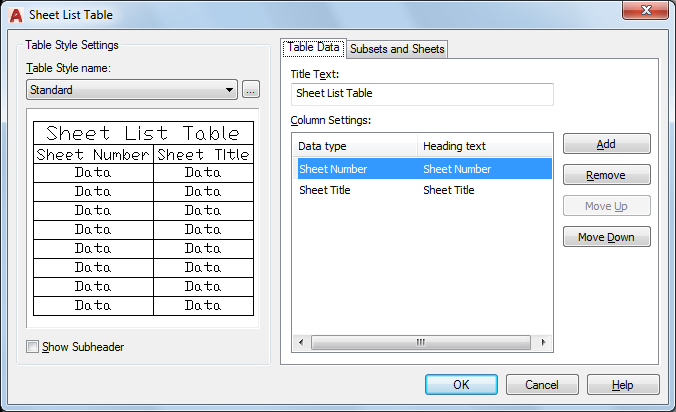
Creates a table listing the sheets in the sheet set.
This table can be added to any sheet in the current sheet set, but it is typically added to the title sheet.
NOTE: Insert Sheet List Table on the sheet set shortcut menu is not available if the Model tab is active, or if the current layout is not a sheet in the current sheet set.
The dialog box contains two tabs.
List of Options
The following options are displayed.
- Table Style Name
Specifies the table style to be used for the table.
- Table Style Preview
Displays a preview of the currently selected table style.
- Include Subsets as Headers in Output
When checked, displays the names of the subsets, dividing the sheet list table into sections.
- Table Style Settings
Displays options for the table style.