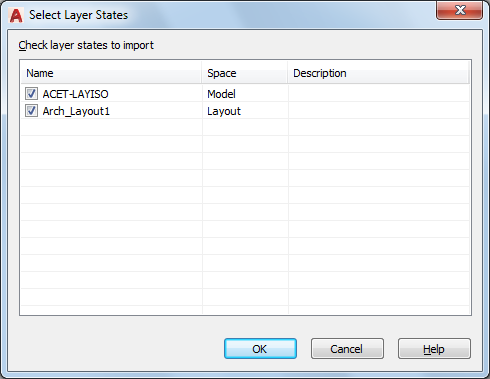
Displays a list of layer states to be imported into the current drawing.
List of Options
The following option is available in this dialog box.
- Check Layer States to Import
-
Select the names of the layer states that you want to import.
The layer state names in the selected file (DWG, DWS, DWT) are compared to the layer state names in the current drawing. Duplicate layer state names are not checkmarked by default. When a duplicate layer state name is checkmarked, a prompt queries whether you want to overwrite the existing layer state.